
Bypass any Time Tracker without being detected
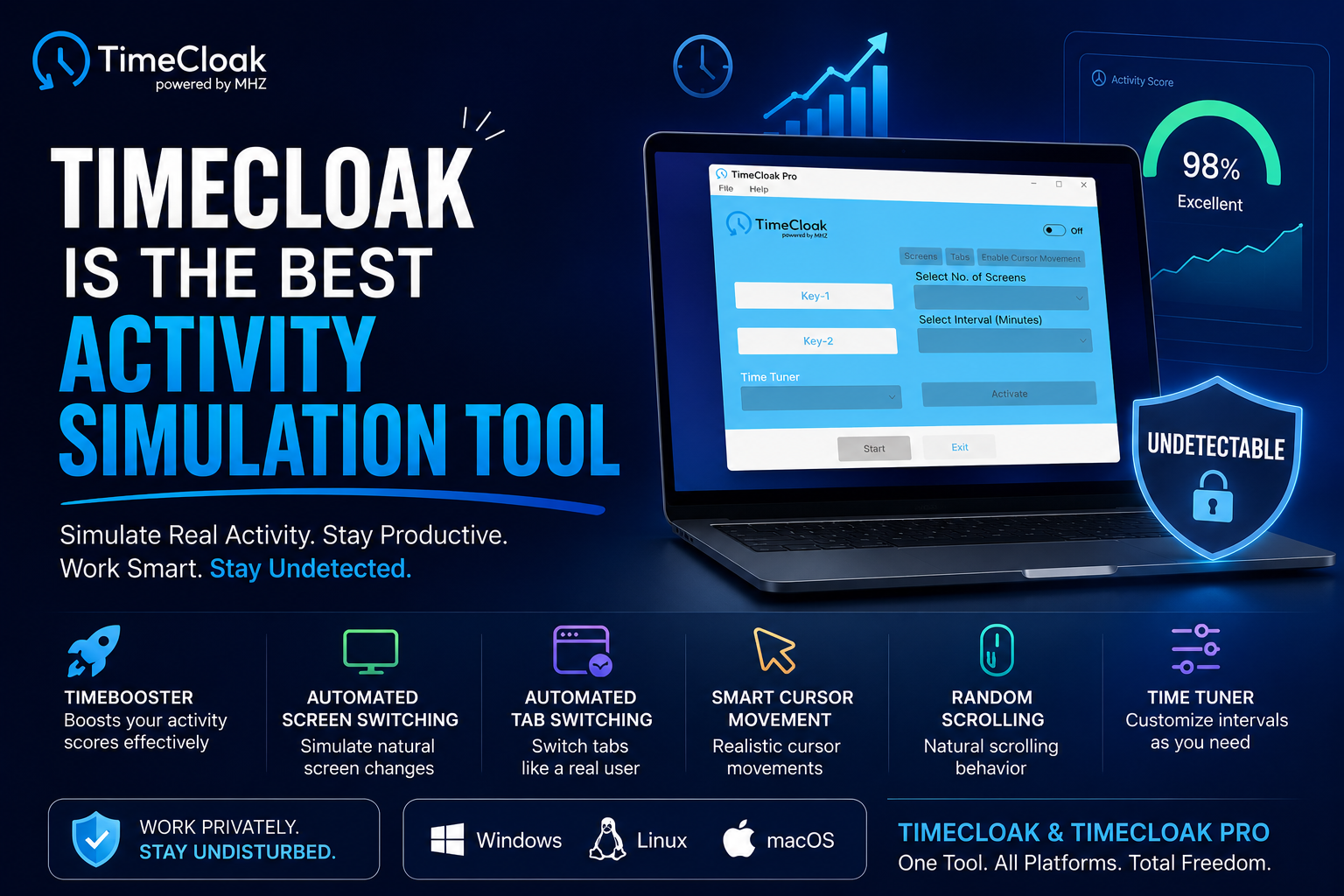
MHZ TimeCloak is an activity simulation tool that can bypass any time tracker through cursor movement, scrolling screens randomly, screen and tab shifting. It enhances your time tracking scores without being detected on taskbar and task manager. MHZ TimeCloak is designed for remote developers and freelancers to avoid constant monitoring.
TimeCloak pro Simulating Human Activity
Discover the powerful features of Time Cloak & TimeCloak Pro
Enhancing Time Scores
TimeCloak enhances timescores against trackers with smart cursor and keyboard activities that increase your time scores
Undetectable by time trackers
TimeCloak is undetectable on any time tracker as it has own special algorithm that hides it from task manager and taskbar
TimeCloak's smart cursor movement and scrolling algorithm creates random cursor movement and scrolling
TimeCloak's smart screen shifting algorithm allows you to do controlled shifting of the active screens mimicking human activity
TimeCloak can bypass any time tracker without being detected and enhance your activity, maiing it ideal for remote developers, freelancers and outsourcers.
With TimeCloak you can adjust your activity scores and number of screens to shift, giving you full command over your remote work
Works with all time trackers





Outsource projects and TimeCloak will manage your activity scores and screens by staying invisible on taskbar and task manager


Frequently Asked Questions
TimeCloak is anti time tracking software for remote developers freelancers and employees. It runs in the background without being detected showing natural activity like mouse movement, scrolling and screen shifting to improve time tracking scores and reduce monitoring stress so users can focus on real work
TimeCloak protects your privacy by running silently in background, hidden in the taskbar and task manager and can be accessed from the notification panel. It does not access or share your personal data and only simulates natural activity to help you work safely and privately
Yes, TimeCloak is designed with a smart background system that helps improve time tracking scores by simulating natural human like activity such as mouse movement, scrolling and keyboard input. It also shifts your active screens. It works silently in the background to support better performance in time tracking environments.
TimeCloak Simple improves time tracking scores with hidden background activity.
TimeCloak Pro adds advanced features like screen and tab switching plus realistic cursor movement and scrolling, that gives a more realistic human like behavior.
An anti time tracking software is designed to operate as a counter system that bypasses traditional time tracking tools by simulating natural human activity in the background.
Yes, TimeCloak is designed as a legitimate and safe software for remote workers and freelancers. It runs in the background without accessing personal files or data, helping users work stress free.
Yes, TimeCloak offers full money back gurantee if you are not satisfied. yiu can contact support and get a refund.
Keys in TimeCloak enhance the score activity if you turn on both keys, the activity score will increase more, if you reduce the time tuner, the score increase more.
Screen and tab shifters in TimeCloak are features that automatically switch between screens, windows, and browser tabs to simulate natural user activity.
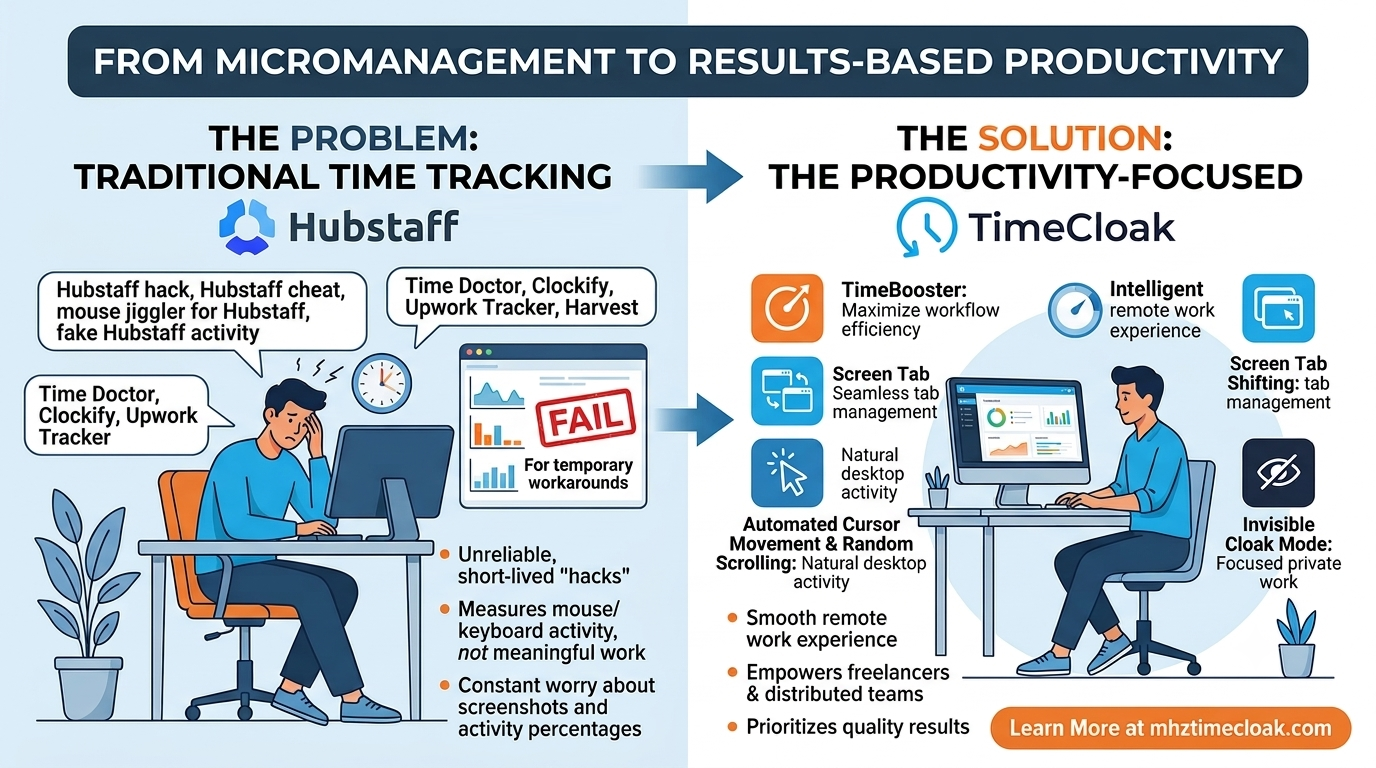
Traditional time tracking tools are often flawed because they measure only visible activity, not real productivity like thinking, planning, or problem solving.
They also use random screenshots and monitoring, which can violate privacy and fail to accurately represent actual work performance.
Client Feedback & Reviews
EXCELLENTTrustindex verifies that the original source of the review is Google. I am using Timecloak for more than 5 months and my employer is never able to find out lol. Amazing stealth toolPosted on GoogleTrustindex verifies that the original source of the review is Google. If you are stuck with time trackers and want to get rid of them silently then use timecloak proPosted on GoogleTrustindex verifies that the original source of the review is Google. Timecloak is the best developer tool to bypass upwork timerPosted on GoogleTrustindex verifies that the original source of the review is Google. if you are a coder and want to increase your time scores without being noted then timecloak is the best anti time tracking tool for youPosted on GoogleTrustindex verifies that the original source of the review is Google. Best tool to increase time scores and automatic screen shifting. works like a magicPosted on GoogleTrustindex verifies that the original source of the review is Google. I was fedup with the constant monitoring of apploye, then I used timecloak pro, it worked like a magic and increased my time scores and automatically shifted screens. A game changer for surePosted on GoogleTrustindex verifies that the original source of the review is Google. Impossible to work on a remote job without timecloak. Best remote dev tool ever, higlhy recommended 10/10Posted on GoogleTrustindex verifies that the original source of the review is Google. The best part about TimeCloak pro is that it is underectable on the Taskbar and Task Manager.....I can use it without being detected by the time trackersPosted on GoogleTrustindex verifies that the original source of the review is Google. An excellent and a perfect stealth tool for remote developers and freelancers :)Verified by TrustindexTrustindex verified badge is the Universal Symbol of Trust. Only the greatest companies can get the verified badge who has a review score above 4.5, based on customer reviews over the past 12 months. Read more