Traditional time tracking tools like Upwork Tracker, Hubstaff, Time Doctor, Clockify, Timely, and Apploye often rely on screenshots, mouse movement, keyboard activity, and activity scores to measure performance. These systems can create unnecessary stress, invade privacy, and fail to accurately reflect real productivity, creativity, problem solving, and deep work.
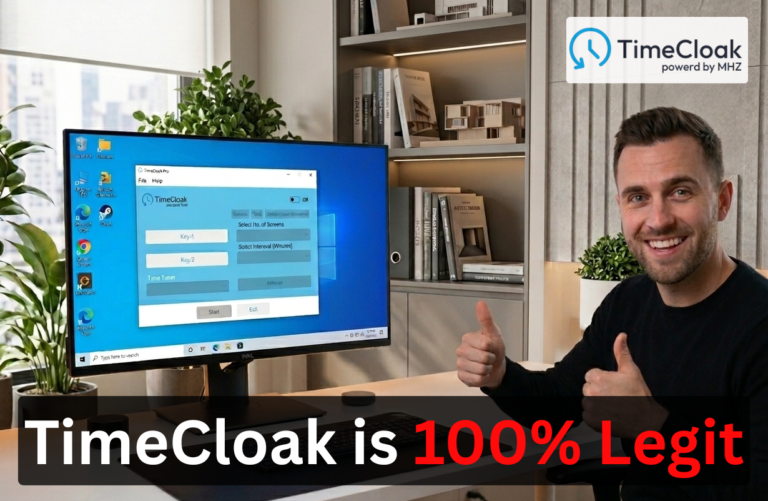
MHZ TimeCloak offers a smarter alternative with features like TimeBooster, Screen Tab Shifting, Automated Cursor Movement, Random Scrolling, and undetectable on taskbar and task manager. Designed for remote developers, freelancers, and outsourcing professionals, TimeCloak helps users focus on delivering results instead of worrying about constant monitoring, making it a practical solution for the modern remote workplace.
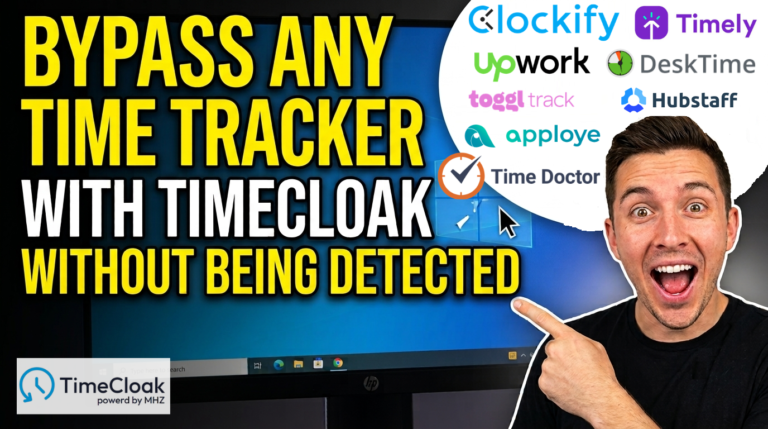
Many professionals search for ways to cheat, hack, dodge, or bypass time tracking tools like Upwork Tracker, Time Doctor, Hubstaff, Clockify, Timely, Apploye, Toggl, and Harvest. The real problem, however, is that many traditional tracking systems rely heavily on mouse movement, keyboard activity, and screenshots instead of measuring meaningful results.
MHZ TimeCloak offers a best solution with features such as TimeBooster, Screen Tab Shifting, Automated Cursor Movement, Random Scrolling, while beimg undetected on taskbar and task manager. Designed for remote developers, freelancers, and outsourcing professionals, TimeCloak helps reduce the stress of constant monitoring and promotes a healthier, results-driven approach to remote work.
Hamza is a Pakistani remote developer working with a UK based company. His employer installed a time tracking tool on his personal system to monitor his performance. The tracker measured productivity based on mouse movement and keyboard activity, while ignoring actual work quality and real productivity.
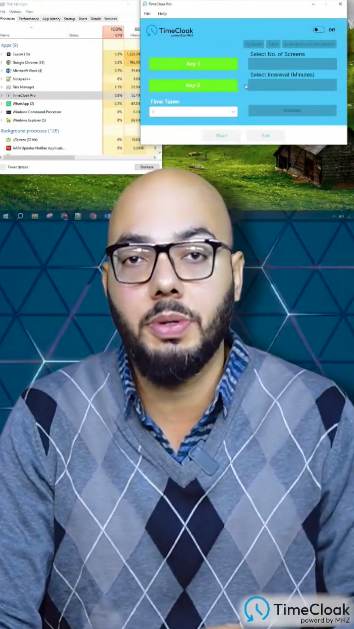
He then switched to MHZ TimeCloak, an anti time tracking software designed for remote developers, freelancers, and outsourcing professionals with powerful features like TimeBooster, Screen-Tab Shifting, Automated Cursor Movement, Random scrolling, and being able to disappear from taskbar and task manager.
With MHZ TimeCloak, Hamza felt more relaxed, improved his workflow, and enjoyed a better remote working experience without the pressure of constant monitoring.